Review incoming stock
Filter purchases by date, status, retailer, and destination. Open an order to inspect its individual items.
Review incoming purchases, receive partial shipments, and assign stock to a location, shelf, or bin. Keep product quantities tied to what actually arrived.
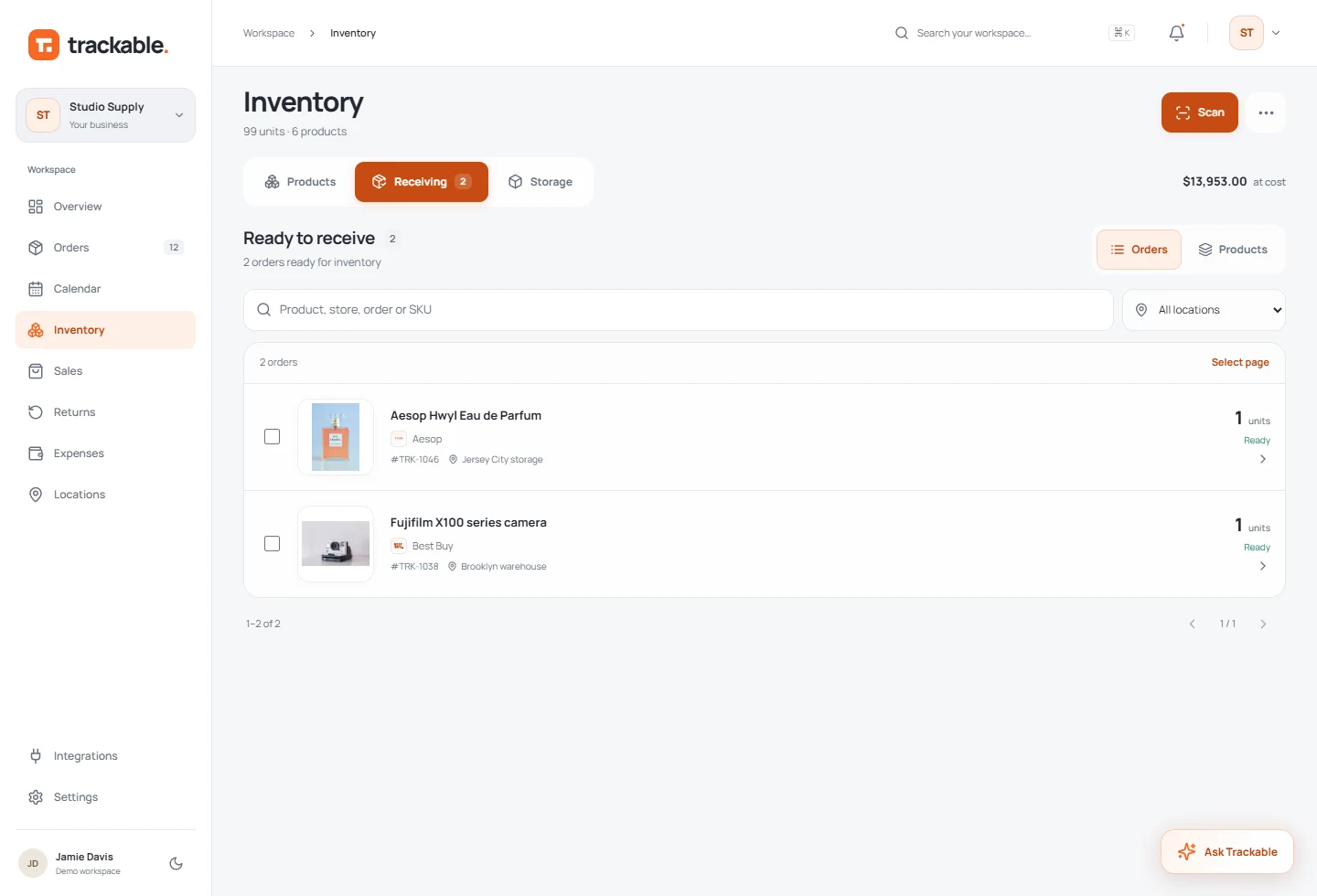
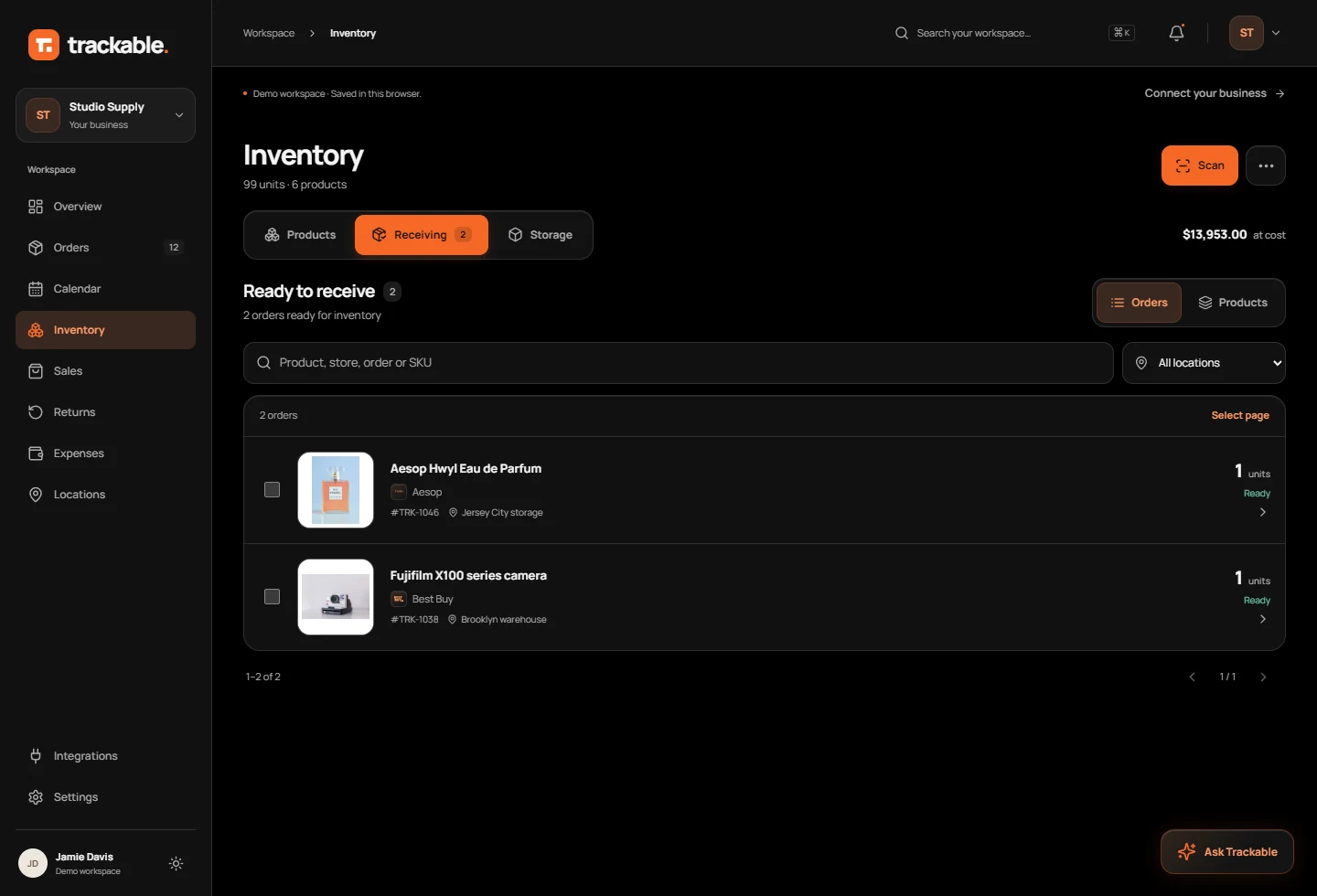
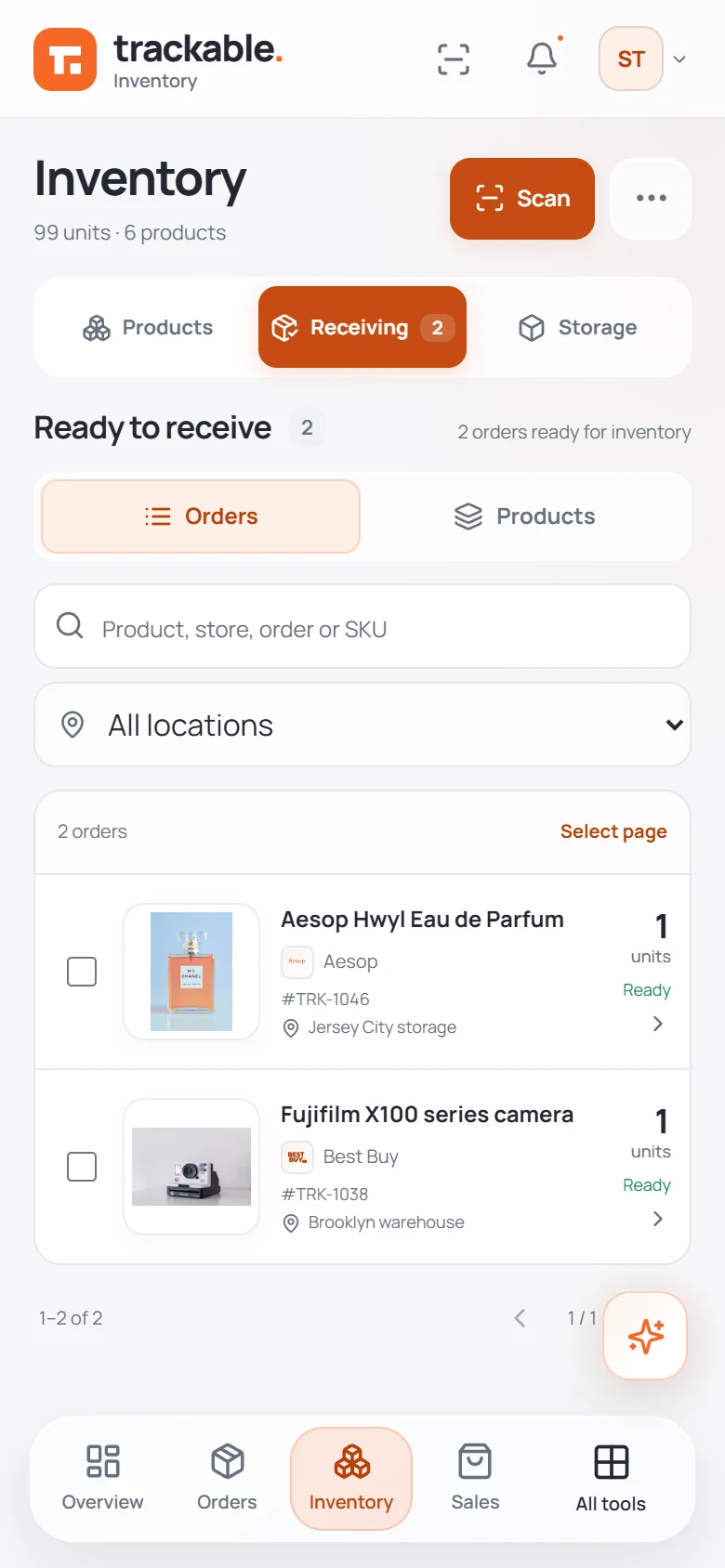
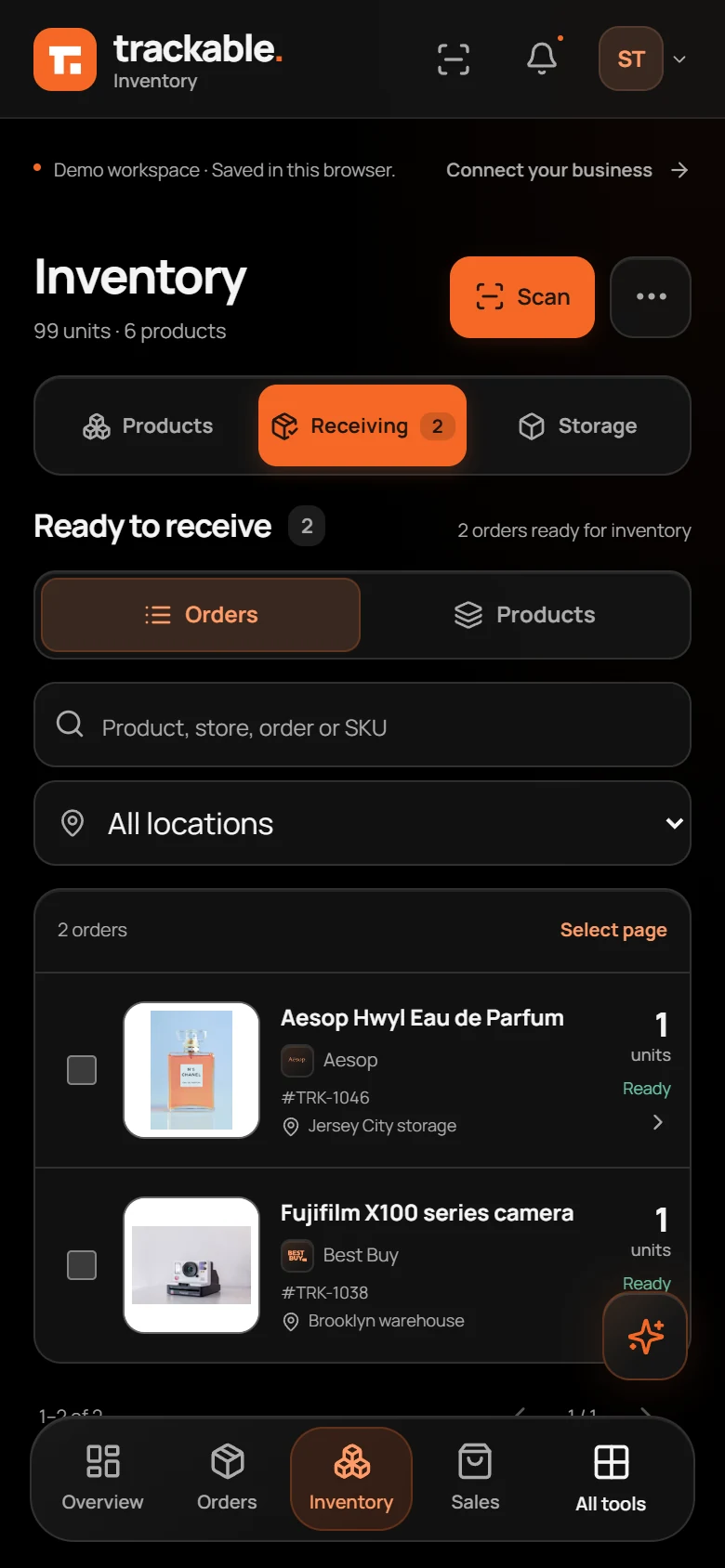
Filter purchases by date, status, retailer, and destination. Open an order to inspect its individual items.
Match each item to an existing product or create a SKU. Receive it separately when the rest of the shipment is still coming.
Assign received units to your locations and storage. Print product labels to help identify stock.